Product updates

PinSnap Chrome Extension Updates

A clear look at new features, thoughtful improvements, and fixes in the PinSnap Chrome extension.

Latest version 0.1.12Release date not published

5 free extension downloads each day · Cancel Pro anytime

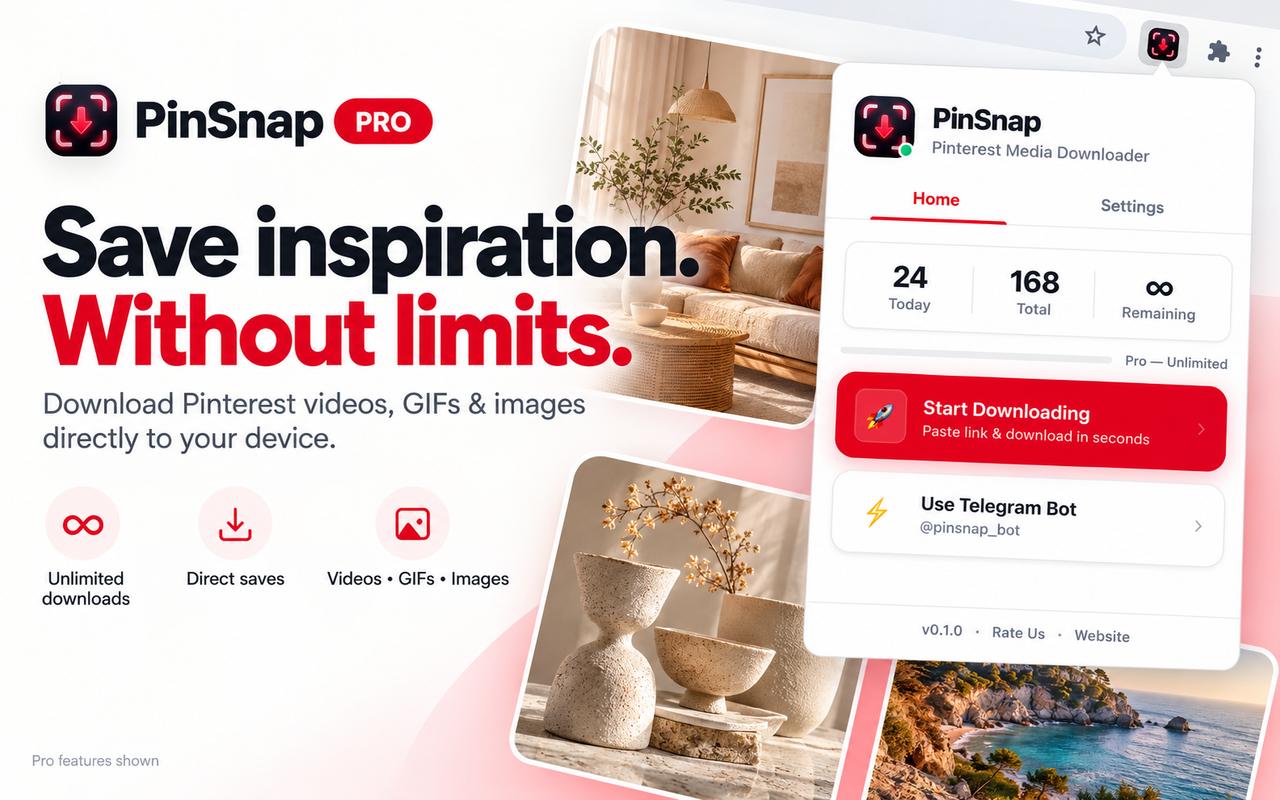
PinSnap Chrome extension popup with download controls and the Pro status indicator
PinSnap extension preview

See it before you decide

Watch PinSnap Pro in action

Take a look at the extension workflow, then decide if Pro fits the way you save from Pinterest.

Muted playback starts when the video is in view and pauses when you scroll away. Can’t play the embed? Watch on YouTube

01

Join for $3/month

Complete the monthly membership checkout.

02

Get your key

Your activation key arrives by email after payment.

03

Activate Pro

Enter your key in PinSnap extension settings.

Join PinSnap Pro · $3/month

Secure checkout by Polar. Your activation key arrives by email after payment; enter it in PinSnap settings. Cancel anytime. One active device per key.

Release notes

The latest from PinSnap

Updates, improvements, and fixes
v0.1.12Latest release
Release date not published

Save animated GIFs, download mixed image and video carousels more reliably, and enjoy clearer messages in your language.

Save animated GIFs, download mixed image and video carousels more reliably, and enjoy clearer messages in your language.

Improvements

  • Move the floating Pin download button to a convenient spot; PinSnap remembers its position.
  • More board and ZIP download messages are translated, including file-size checks, download limits, and selection guidance.

Fixes

  • PinSnap now checks Pinterest’s original GIF source before using the visible image preview.
  • GIF downloads keep their animation when Pinterest also supplies a higher-resolution JPG preview.
  • Image slides remain available in mixed carousels while a video slide is playing.
  • Improved detection of the playing video in carousels that use thumbnail buttons.
PinSnap Pro · $3/month

Save more Pins with fewer steps.

Free includes 5 extension downloads each day. Pro removes the daily limit and adds direct saves, story selection, and board downloads.

PinSnap extension popup showing the Pro plan and unlimited downloads
PinSnap Pro · Chrome extension preview

01 / PRO FEATURE

Unlimited downloads

Keep saving supported Pins after the Free daily allowance is used.

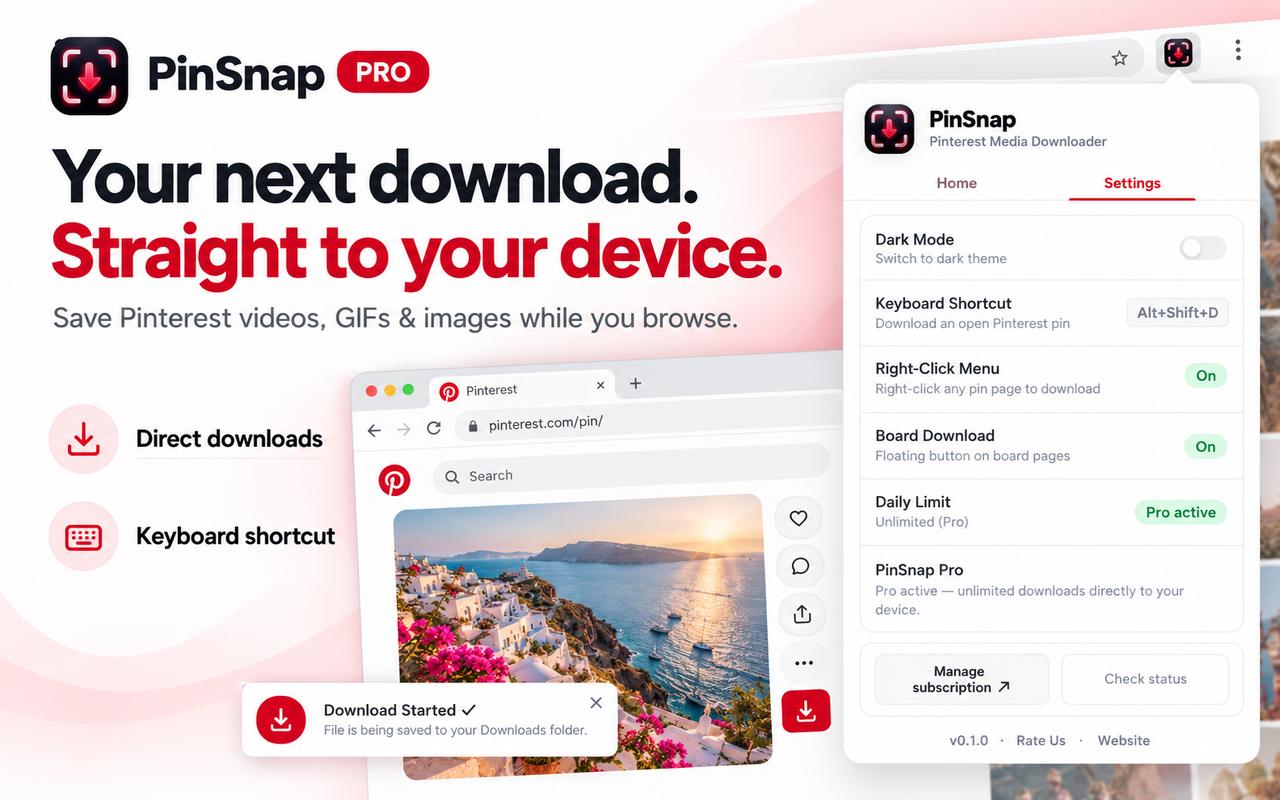
PinSnap direct download controls beside a Pinterest Pin
PinSnap Pro · Chrome extension preview

02 / PRO FEATURE

Save straight to your device

Download supported Pinterest videos, images, and GIFs directly from the extension.

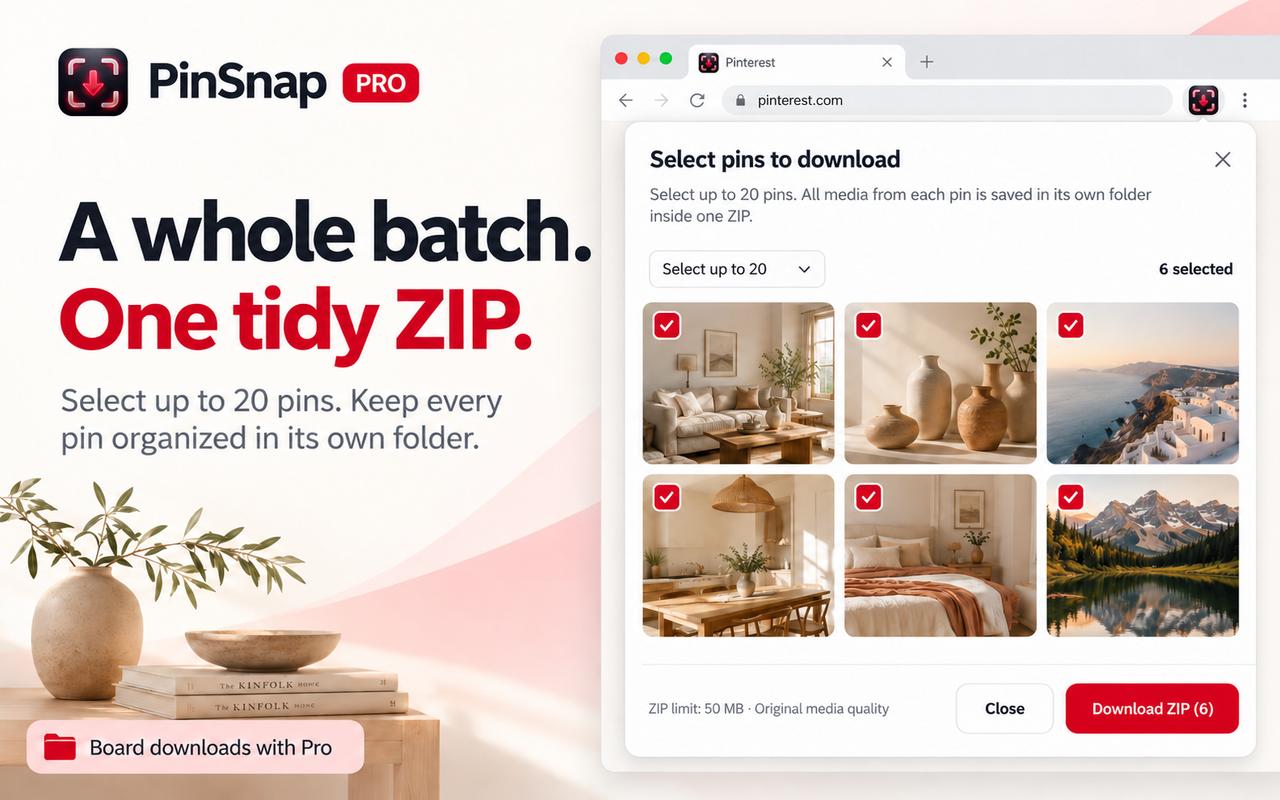
PinSnap board picker with selected Pins and a Download ZIP action
PinSnap Pro · Chrome extension preview

03 / PRO FEATURE

Choose Pins from a board

Browse and preview board Pins, select what you want, and download them together in an organized ZIP. Large selections can be split into smaller batches; each ZIP supports up to 20 Pins and a 50 MB size limit.

Pick story slides

Preview a multi-slide Pin, choose the slides you want, and save them as individual files or combine them in a ZIP archive.

Use the tools while browsing

Start a supported download with PinSnap’s keyboard shortcut or Pinterest right-click menu, then follow direct-download and ZIP progress in the extension.

Cancel anytime; access continues through your paid billing period. Your activation key is emailed after checkout. One active device per key.

How it works

From Pin to saved file

  1. 01

    Find a Pin

    Browse Pinterest and open a Pin with media you want to keep.

  2. 02

    Choose PinSnap

    Use the extension on Pinterest, or paste a public Pin link into the website downloader.

  3. 03

    Save and organize

    Download supported media. Pro can also save selected board Pins together in a ZIP.

The archive

Release history

Browse notes for published Chrome extension versions.

Version 0.1.12

Date not published

Save animated GIFs, download mixed image and video carousels more reliably, and enjoy clearer messages in your language.

  • Move the floating Pin download button to a convenient spot; PinSnap remembers its position.
  • More board and ZIP download messages are translated, including file-size checks, download limits, and selection guidance.
  • PinSnap now checks Pinterest’s original GIF source before using the visible image preview.
  • GIF downloads keep their animation when Pinterest also supplies a higher-resolution JPG preview.
  • Image slides remain available in mixed carousels while a video slide is playing.
  • Improved detection of the playing video in carousels that use thumbnail buttons.
Version 0.1.11

Date not published

Download with more reliable media detection, move the floating board button where you want it, and use PinSnap in your language.

  • Choose from 15 languages in Settings, or let PinSnap follow Pinterest’s detected language.
  • See when your free daily downloads reset with a live countdown when you reach the limit.
  • Use compact download icons on Pins and boards with localized tooltips.
  • The floating board-download button is now draggable anywhere within the visible window, and its position is remembered.
  • Arabic prompts and tooltips use right-to-left layout, with prices kept readable.
  • The free-limit countdown follows the same UTC reset used by the daily allowance.
  • Popup labels now update correctly when you change languages.
  • Improved detection of images, videos, and story slides as you browse between Pins without reloading Pinterest.
  • Improved selection of higher-quality media and alternate download sources when Pinterest provides them.
  • Video slides without a downloadable video are marked unavailable instead of saving their cover image.

Version 0.1.10

Date not published

Review prompt actions now work reliably on Pinterest.

  • Fixed the review prompt’s buttons refreshing the Pinterest page instead of dismissing the prompt.
  • The Later and Don’t show again choices now dismiss the prompt and save your preference.

Version 0.1.9

Date not published

PinSnap now matches Pinterest’s updated Pin layout.

  • Updated the download button integration to match Pinterest’s new Pin layout.
  • Board pins now load more reliably when browsing Pinterest boards.
  • Improved button placement and reconciliation as Pinterest updates Pin controls.
  • Fixed board identification for percent-encoded slugs and navigation between boards.
  • Fixed the Select pins button disappearing during Pinterest page navigation.

Version 0.1.6

Date not published

More ways to preview, select, and save Pinterest inspiration with PinSnap Pro.

  • Preview board Pins and choose a batch for an organized ZIP download.
  • Select story slides and save them as separate files or a ZIP archive.
  • Track direct-download and ZIP progress in the extension.
  • Board downloads support batches of up to 20 Pins, with smaller batches available for large ZIPs.
  • Use the keyboard shortcut or Pinterest context menu to start a supported Pin download.

Version 0.1.5

Date not published

A smoother way to collect Pins from a Pinterest board.

  • Board selection now loads and retains the Pins returned by Pinterest more reliably.
  • Corrected board pagination to use Pinterest’s current cursor.
  • Removed missing Pins from the picker and saved selections.

Version 0.1.4

Date not published

A smoother way to collect Pins from a Pinterest board.

  • Select Pins from a board and download a batch as an organized ZIP.
  • Preview Pins and keep your selection while browsing the board.
  • Board selections now stay aligned with the Pins Pinterest actually returns.
  • Corrected board pagination so later Pins load from Pinterest’s current cursor.
  • Removed missing Pins from the selectable list and saved selection.

Ready for the next Pin?

Try PinSnap on Pinterest or see the Pro plan details.